Smart bulbs are the easiest entry point into home automation — you screw one in, connect it to Wi-Fi, and suddenly your lamp obeys voice commands. But walk into any smart home store and you'll face a wall of options: color vs. white, lumens vs. watts, E26 vs. E12, hubs vs. hub-free. Pick wrong and you get flicker, weak dimming, or a bulb that won't pair with your voice assistant.
This guide walks through the five decisions that actually matter, room by room, so you can choose smart lighting with confidence.
1. Start With Brightness, Not Color
Bulb brightness is measured in lumens, not watts. A 60-watt incandescent equivalent produces around 800 lumens — that's the standard for most bedrooms and living rooms. Kitchens and workspaces often need 1,100 lumens or more per fixture.
A quick lumen cheat sheet
- Bedroom and hallway lamps: 450–800 lumens
- Living room overhead: 800–1,100 lumens
- Kitchen and bathroom: 1,100–1,600 lumens
- Ambient accent lighting: 200–450 lumens
If a product page doesn't list lumens, that's a red flag. Every bulb we stock lists lumen output alongside the wattage equivalent.
2. White, Tunable White, or Full Color?
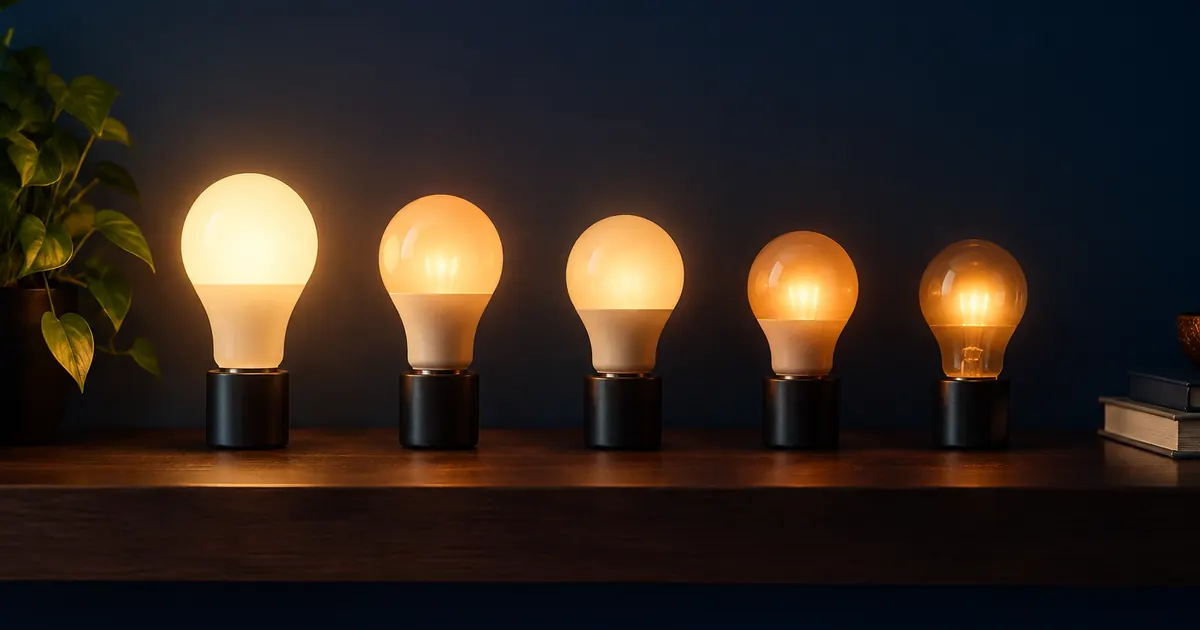
White smart bulbs cost less and cover most needs. They dim and schedule but emit a fixed color temperature. Tunable white bulbs shift between warm (2700K, cozy evening light) and cool (5000K, alert morning light) — ideal for home offices and kitchens where you want light that matches the time of day.
Full-color bulbs add 16 million colors and scene effects. They're genuinely useful for parties, movie nights, and holiday decor, and they double as tunable white bulbs. If you're building your first setup, a 4-bulb starter kit covers a whole room and lets you test the ecosystem before expanding.
3. Check the Base Before You Buy
Most US fixtures use a standard E26 base, but ceiling fans, chandeliers, and some sconces use the smaller E12 candelabra base. Buying a bulb you can't screw in is the most common — and most avoidable — smart lighting mistake. Check the fixture before ordering; it takes ten seconds.
4. Make Sure It Plays With Your Ecosystem
A smart bulb is only as good as its app and voice assistant support. Before buying, confirm the bulb works with your setup:
- Amazon Alexa: the broadest compatibility; most bulbs pair directly through the Alexa app
- Google Home: similar coverage; look for the "Works with Google Home" badge
- Both: every bulb in our smart lighting collection supports Alexa and Google Home out of the box
Avoid bulbs that require a proprietary hub unless you're deliberately building around one. Hub-free Wi-Fi bulbs pair in about two minutes and cost less to start.
5. Match the Bulb to the Room
Living room
Go for tunable white or full color at 800+ lumens. Scenes like "movie" (dim, warm) and "reading" (bright, cool) earn their keep here. RGBIC light strips behind a TV add bias lighting that reduces eye strain.
Bedroom
Warm white (2700K or lower) with reliable low-end dimming. Scheduling a gentle wake-up fade is one of the most-loved smart lighting features — it beats a phone alarm.
Kitchen
Bright, cool white for task areas. Put under-cabinet strips on a separate switch or voice command so you're not lighting the whole room for a midnight snack.
Outdoors
Standard smart bulbs aren't weatherproof. Use fixtures rated for damp locations, or stick to smart plugs controlling outdoor-rated fixtures.
Common Mistakes to Avoid
- Buying on price alone. The cheapest bulbs often drop off Wi-Fi, flicker at low dimming, or lack real scheduling. Two reliable bulbs beat four flaky ones.
- Ignoring 2.4GHz. Nearly all smart bulbs connect only to 2.4GHz networks. If your router merges bands, pairing can fail — split the bands during setup.
- Skipping the group step. A bulb you control individually is nice; a bulb grouped into "Living Room Lights" that responds to one command is the actual point.
Dimming Quality: The Detail Nobody Mentions
Two bulbs can both claim "dimmable" and behave completely differently. Cheap dimming jumps from bright to off in a handful of steps, or flickers at the low end — most noticeable at night, when ambient light can't mask it. Quality smart bulbs smooth the whole range down to a candlelight glow.
When you test a new bulb, run it down to 5% in a dark room. If it flickers, stutters, or drops out entirely, that's a bulb that will annoy you every evening. The bulbs in our smart lighting collection hold stable output down to single-digit brightness, which is what makes scheduled "wind down" scenes actually usable.
Warm dimming: the premium feature
Standard dimming makes light darker but still cool-toned — a look often described as "hospital at night." Higher-end bulbs offer warm dimming: as brightness drops, the color temperature slides from 2700K toward a candle-like 2200K. It's the difference between a room that looks dimmed and a room that feels like evening. If you spend money on only one bulb feature, make it this one.
Grouping and Rooms: The Five-Minute Step That Changes Everything
A single smart bulb is a gadget. A grouped room is automation. After pairing, take five minutes to:
- Create a room in the Alexa or Google Home app and assign every bulb in it
- Test the room command: "Alexa, turn off the living room" should hit every bulb at once
- Set one scene per room mood — bright, relaxed, movie — instead of memorizing individual bulb names
This is also where voice assistants differ most: Google handles room-scoped commands slightly more naturally, while Alexa's routine system handles more complex chains. Either way, the grouping step is what turns "smart bulbs" into "smart lighting."
Start Small, Then Expand
The right first purchase is a starter kit or a pair of bulbs in the room you use most. Live with the scheduling, the voice control, and the scenes for two weeks. Then expand to smart plugs and a smart thermostat — the same app and voice assistant will run your whole home.
Ready to start? Browse our full smart lighting collection — every bulb ships free, works with Alexa and Google Home, and needs no hub.