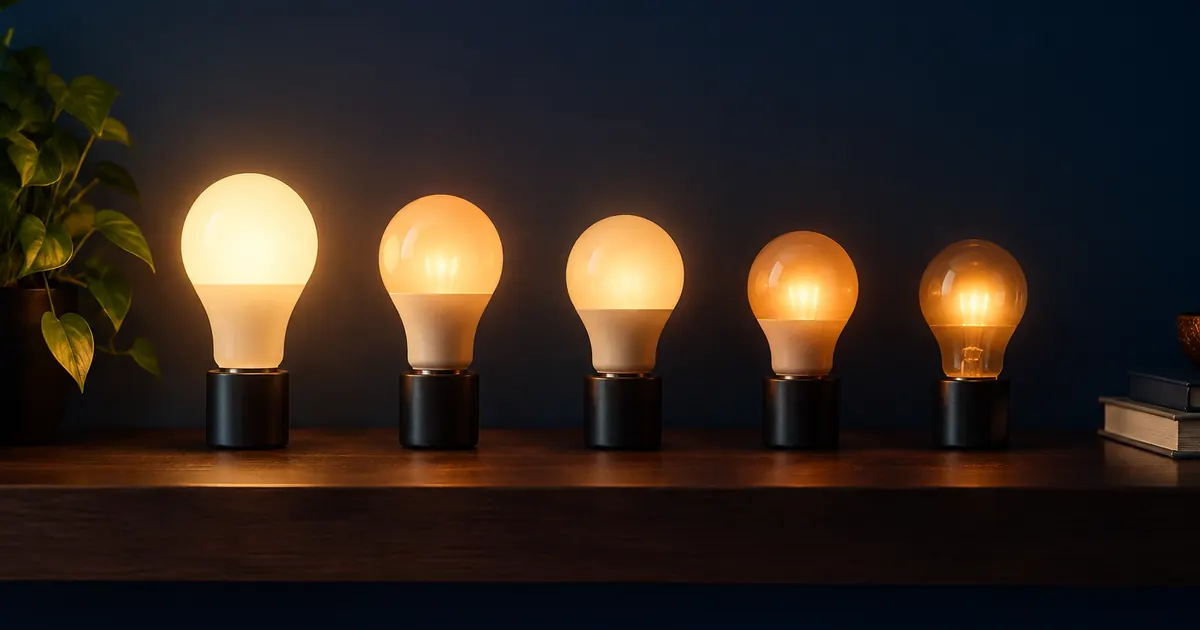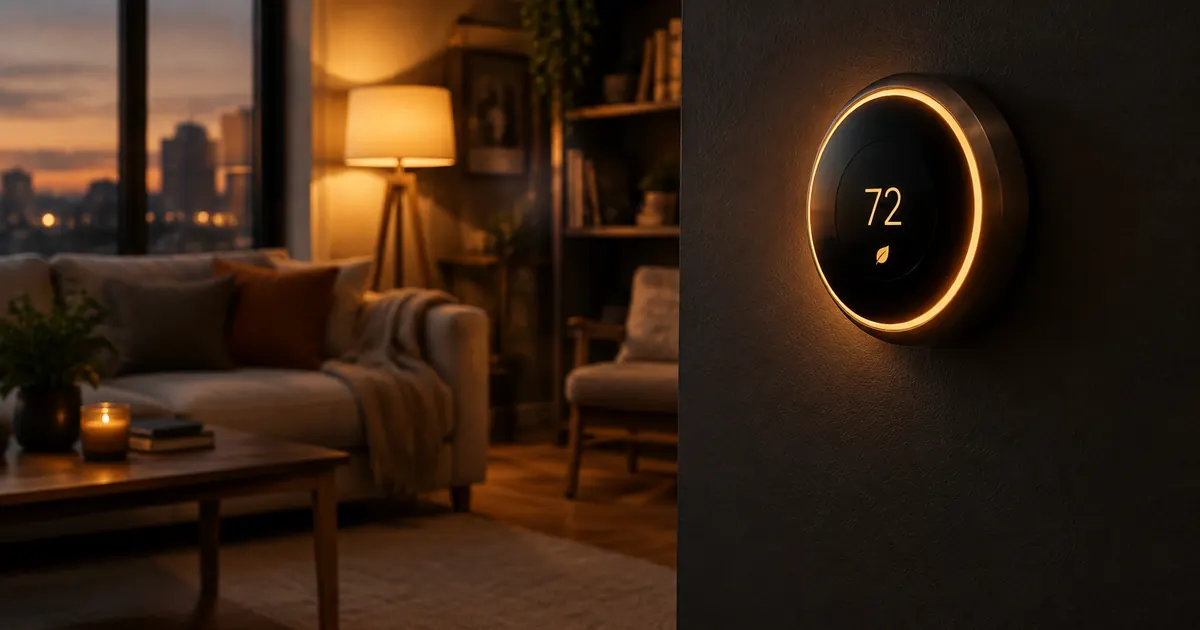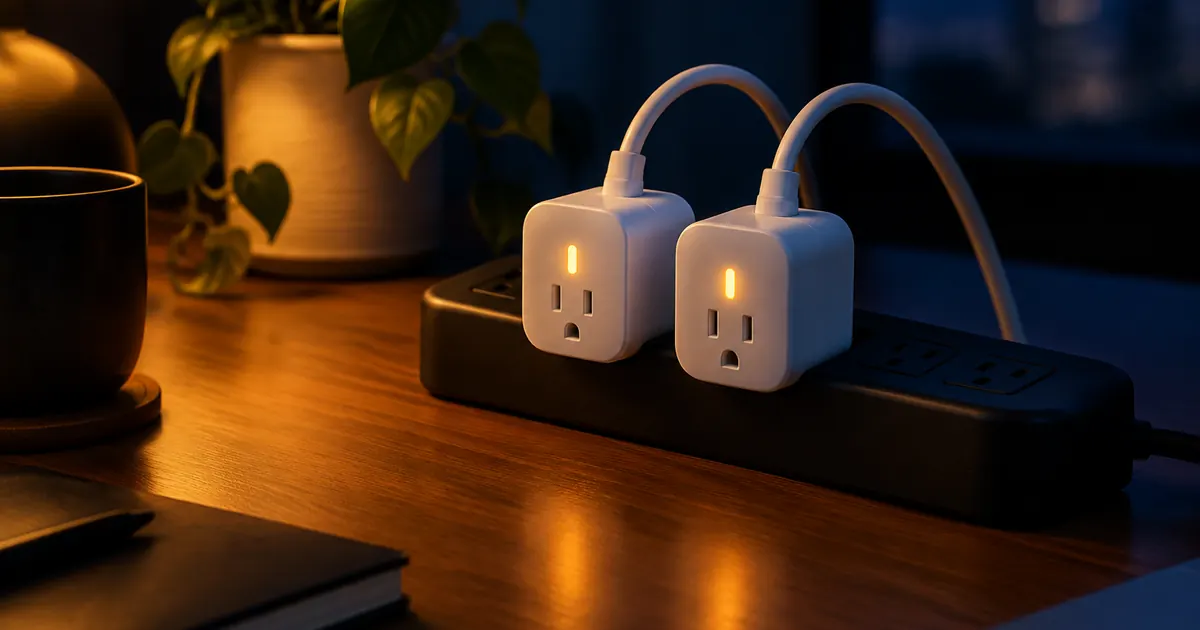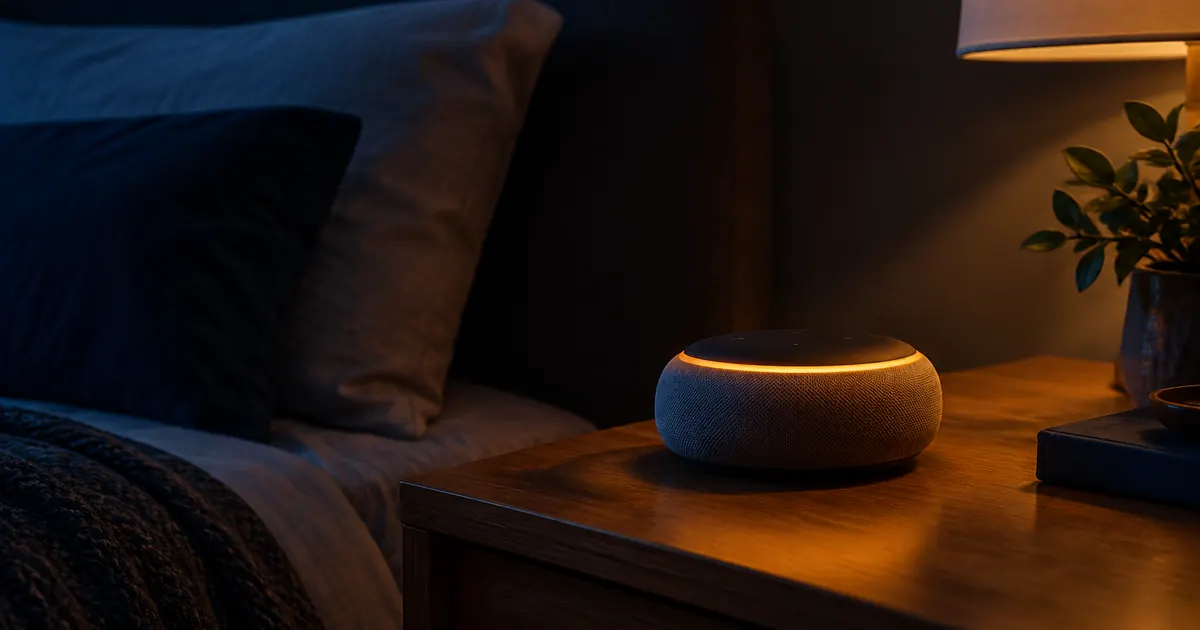
Here's the mistake that costs smart home beginners the most: buying good devices that don't talk to each other. A bulb on one app, a thermostat on another, a plug that only responds to a third — each works alone, but the house never behaves like a system.
The fix isn't buying everything from one brand. It's picking one ecosystem — Alexa or Google Home — and buying devices that support it. Here's how to choose, and how to build routines that make the whole setup feel like magic.
Alexa vs. Google Home: The Honest Comparison
Choose Amazon Alexa if you want:
- Widest device support: Alexa works with more third-party devices than any other platform
- Budget-friendly entry: Echo Dots are frequently discounted, so multi-room voice is cheap
- Deep routines: Alexa's routine engine handles complex triggers (time, voice, sensor, motion) with ease
Choose Google Home if you want:
- Better voice understanding: Google's natural language handling is the industry benchmark
- Android-first households: tighter integration with Android phones and Google Calendar
- Cleaner app experience: Google Home's interface is simpler for beginners
Both support every device in our catalog — check any product page's Specifications accordion and you'll see both badges. If your household is split, devices that support both platforms let each person use their preferred assistant with the same hardware.
The Setup Order That Prevents Headaches
Sequence matters more than most guides admit:
- Set up the voice assistant first. Get your Echo or Google Nest speaker online before touching any other device.
- Split your Wi-Fi bands. Most smart devices connect only to 2.4GHz. If your router broadcasts one merged network name, split it (or enable the "compatibility" mode) before pairing anything.
- Pair devices one at a time. Bulb, plug, thermostat — each joins the assistant's app as it's set up. Resist the urge to configure five at once.
- Group by room. "Living Room" containing the lamps, the TV strip, and the camera means one command controls them all.
Routines: Where Ecosystems Earn Their Keep
A routine chains multiple devices behind one trigger. These four cover most households:
- "Good morning": bedroom lamp fades up, thermostat eases to daytime temperature, coffee maker plug switches on, weather briefing plays
- "I'm leaving": all lights off, plugs with heaters off, thermostat to eco, camera armed
- "Movie time": living room lights dim to 10%, bias lighting behind the TV goes ambient blue
- "Goodnight": everything off except the porch light, thermostat setback, camera alerts on
Build "Goodnight" first. It's the routine you'll use daily, and it proves the system's value to every skeptic in the house.
Common Ecosystem Mistakes
- Buying hub-dependent and hub-free devices randomly. Check each product's requirements before purchase; our entire lighting, thermostat, and plug lineup is hub-free Wi-Fi.
- Ignoring 2.4GHz. The number one pairing failure. Split the bands.
- Skipping firmware updates. Devices update through their apps; let them. Updates fix connectivity bugs you'd otherwise blame on your router.
- Over-naming devices. "Kitchen Outlet 2" beats "SmartPlug-A4F7" when you're issuing voice commands at 6am.
Naming Conventions: The Underrated Skill
Voice commands are only as good as device names. "Alexa, turn on Smart Plug A4F7" is a riddle; "Alexa, turn on the coffee maker" is automation. The naming system that scales:
- Name devices by function: "Coffee Maker," "Floor Lamp," "TV Lights" — not by model or room codes
- Assign every device to a room: rooms enable whole-room commands and keep the app organized
- Use the same names in both apps if your household runs mixed assistants — muscle memory beats documentation
Ten minutes of renaming saves a hundred future commands. It's the highest-leverage quarter hour in smart home setup.
When Devices Drop Offline: The 3-Step Fix
Every smart home has the day when a device "disappears." Before blaming the device, run the standard fix in order:
- Check the router: if several devices dropped at once, reboot the router first — it's the cause more often than not
- Power-cycle the device: unplug smart plugs and powered devices for ten seconds; for bulbs, toggle the wall switch three times
- Re-pair if needed: most apps have a re-discover function that reconnects without full setup
If a specific device drops weekly, it's usually a Wi-Fi range problem, not a device problem — an extender halfway to the far corner of the house fixes it permanently.
Guest Access and Family Accounts
Both ecosystems support multiple users, and setting them up properly prevents the "you broke the routines" arguments:
- Alexa: Amazon Household profiles share devices and routines
- Google Home: invite household members to the home structure — they get device control without sharing your Google account
- Guest mode: for visitors, voice control of shared devices works without granting app access at all
Expanding Without Regret
The ecosystem habit compounds: once your assistant, Wi-Fi bands, and naming are set, every new device takes minutes and joins existing routines. The expansion path most households follow: bulbs first, then plugs, then a thermostat (the savings anchor), then a camera for peace of mind.
Whatever you add, check the compatibility badges first — "Works with Alexa" and "Works with Google Home" on the product page are the only two promises that matter. Everything in the Tweetieglasses catalog carries both.
Start With the Ecosystem, Not the Device
Pick your assistant, split your Wi-Fi bands, and buy your first device with both-platform support. From there, every addition compounds — the camera, the thermostat, and the plugs all join the same routines, the same voice, the same app.
That's the difference between owning smart devices and having a smart home.